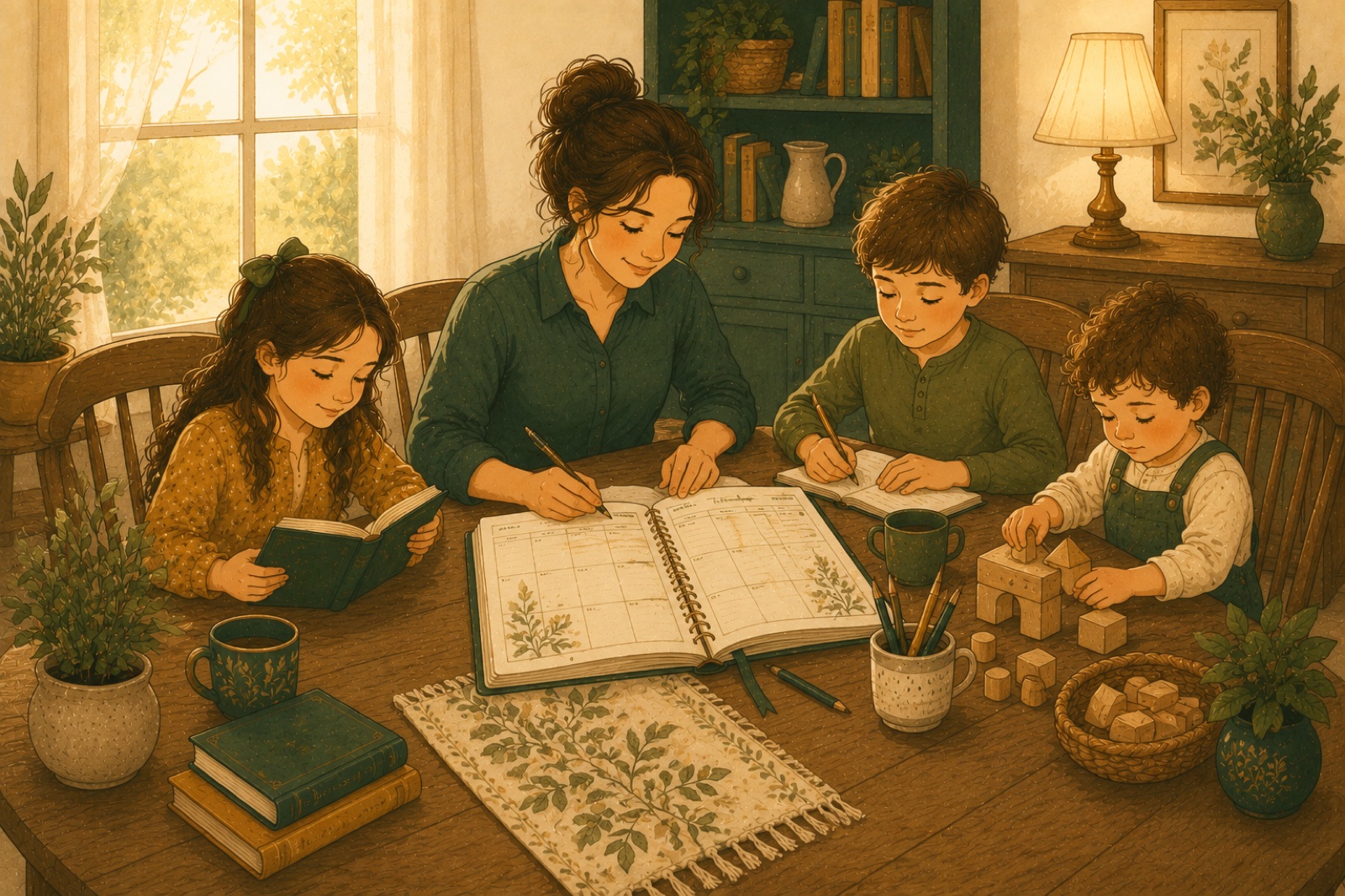
If you're homeschooling one child, a schedule is a to-do list. If you're homeschooling three, it's air traffic control. Most advice about building a homeschool schedule for multiple kids treats it as a teaching question — how do I instruct a second grader and a seventh grader at the same time? But ask families who've actually made it work and they'll tell you something different: it's a logistics problem before it's a teaching problem. Solve the logistics, and the teaching mostly takes care of itself.
You are the bottleneck — and that's the whole puzzle
Here's the reframe that changes everything. Your kids are not the constraint. Each of them has all day. The scarce resource in a multi-kid homeschool is you — specifically, your focused, one-on-one attention. There is exactly one of you, and every subject that needs you directly is competing for the same few morning hours.
Once you see it that way, the design question stops being "what does each child's day look like?" and becomes "where does my attention go, hour by hour, and what is everyone else doing while it's pointed somewhere else?" That's a scheduling problem — a solvable one.
The rotation principle: schedule one-on-one time first
Most parents plan each child's subjects and then hope the days interleave. Do it in the opposite order. One-on-one time is your scarcest asset, so it goes on the calendar first — and it gets staggered.
The pattern is simple: while you teach child A, child B works independently and child C plays (or naps, or does something quietly destructible-proof). Then you rotate. Every child gets a direct slot with you every day; no child gets you all morning. Twenty to thirty focused minutes per child per skill subject turns out to be plenty — more than most classroom kids get in a week.
Everything else in the day gets scheduled around those rotation slots, not the other way round. If you're still choosing an overall rhythm for your year, our walkthrough of homeschool schedule types covers loop and block scheduling, both of which pair beautifully with a rotation.
Homeschooling multiple grades? Combine everything combinable
The second lever is just as powerful: stop running three parallel schools. Homeschooling multiple grades does not mean teaching every subject three times. Split your subjects into two piles:
- Skill subjects — math, phonics, early reading, handwriting. These are genuinely sequential and level-dependent, and they need to stay separate per child. These are your rotation slots.
- Content subjects — history, science, geography, read-alouds, art, music, nature study. These scale across ages almost for free.
Combining subjects in your homeschool is the oldest multi-kid trick there is, and it works because content subjects aren't really grade-locked. Everyone studies ancient Egypt together; the twelve-year-old writes an essay, the eight-year-old narrates back to you, the four-year-old colors a pyramid. One read-aloud, one science experiment, one art afternoon — three kids, one prep, one calendar block.
A good rule of thumb: if a subject can be done at different depths from the same material, combine it. Only the true skill subjects earn their own per-child slot.
Independent work is a subject — teach it like one
The rotation only works if the child who isn't with you can actually work alone. That's a skill, not a personality trait — and for the middle child especially, it's worth treating as a subject in its own right for the first month of the year.
Start small: five minutes of "you're on your own, here's your checklist" while you stay in the room. Praise the finishing, not just the work. Build a predictable independent-work basket — copywork, review pages, assigned reading — so "what do I do now?" has a standing answer that isn't "interrupt Mom." Stretch the interval week by week. By October, twenty-five minutes of real independent work is a reasonable expectation for most kids past first grade, and it's the load-bearing wall of your whole schedule.
One family calendar, not three paper planners
Now the logistics layer that holds it together. Plenty of families plan each child on a separate page — or a separate planner — and it falls apart by November, always for the same reason: the plans can't see each other. Child A's plan says math at 9:00. So does child B's. Nothing on paper warns you that both slots need you, and the collision only surfaces live, mid-morning, with everyone waiting.
What actually works is one shared family calendar where every child's lessons live together, color-coded per student, filterable down to one child when you need their view alone. The whole-family view is where you catch conflicts before they happen — two kids booked for your attention at once, a combined history block that accidentally overlaps the co-op run. The per-child view is what you hand a ten-year-old so she can run her own checklist. Same plan, two lenses. (This is, not coincidentally, exactly how we designed the calendar in Lumen Domus Schola — but the principle holds whether you build it in an app or on a giant kitchen whiteboard.)
A sample staggered morning
Here's what a rotation looks like with three kids — say, a 12-year-old, an 8-year-old, and a 3-year-old:
- 8:30 — Morning time, everyone. Read-aloud, memory work, calendar. The toddler is on someone's lap.
- 9:00 — You + the 8-year-old (phonics and math). The 12-year-old does independent math; the toddler gets the special-toys bin that only appears at 9:00.
- 9:30 — You + the 12-year-old (math help, writing feedback). The 8-year-old does copywork and assigned reading; the 12-year-old's sibling-time trade: the 8-year-old finishes, then reads a picture book to the toddler.
- 10:00 — Snack and outside break. Everyone. You get ten minutes of silence and coffee.
- 10:30 — Combined block: history or science, all three kids, one lesson at three depths.
- 11:15 — Buffer slot. Whoever needs extra help gets you; everyone else finishes their checklist.
- 11:45 — Done. Formal morning over; afternoons are for projects, sports, and quiet time.
Notice the shape: your attention moves through the family in a relay, and the formal day is over before lunch. If that seems short, it isn't — see how many hours a day homeschooling really takes for why focused hours beat long ones.
Sanity rules for the multi-kid year
- The toddler is a subject. Schedule toddler occupation — special bins, sibling reading time, high-chair art — as deliberately as you schedule math. An unplanned toddler is a plan-destroying toddler.
- Mornings go to bottleneck subjects. Anything that needs you happens before lunch, while everyone's willpower (including yours) is intact. Afternoons are for everything self-running.
- Expect 80%. A rotation that runs four days out of five is a triumph, not a failure. Build the buffer slot, take the wins, and let the schedule bend without guilt.
One more thing: none of this replaces having an actual year plan underneath — terms, breaks, and each child's subjects laid out as sequences. If you haven't built that skeleton yet, start with our guide to planning your whole homeschool year, then layer the rotation on top.
And when you're ready to run it all from one place — every child's lessons on one family calendar with per-student views, reminders that nudge the right kid at the right time, and a printable planner that regenerates when life reshuffles the week — that's exactly what we built for families like yours.
Plan your year with Lumen Domus Schola
Lumen Domus Schola is open now and runs right in your browser — the iPhone and Android apps come this fall. Try everything free for 5 days; cancel before the trial ends and you pay nothing.
Start your 5-day free trial